
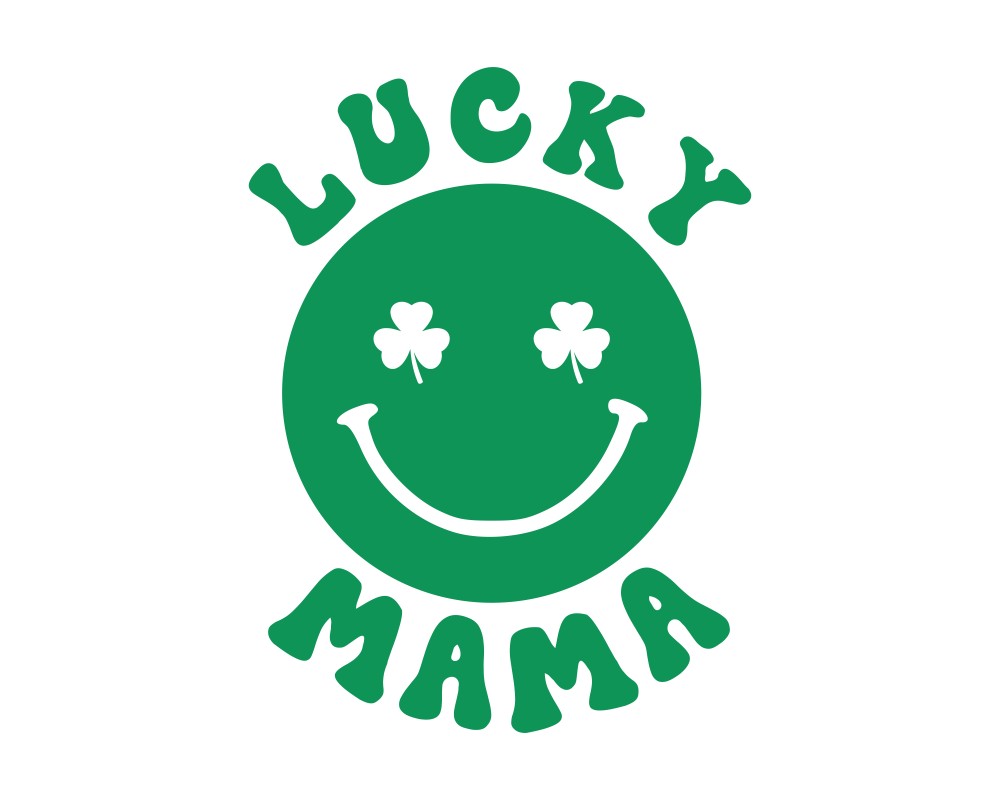


Lucky Mama SVG | St Patricks Day Cut File
$1.99
Description
Lucky Mama SVG
We suggest you take a look at our very special Lucky Mama SVG design if you want to show everyone what a lucky mother you are on Saint Patrick’s day. With our very groovy sublimation, you will be the best on Saint Patrick’s day.
Lucky Mama SVG digital design which is the most unique design of our feeling luck SVG collection is suitable to use wherever you want. You can print it on a T-shirt and wear the T-shirt on Saint Patricks’ day.
Have our “Lucky Mama SVG” digital design through two options. You can download it in SVG format or PNG format.
Lucky Mama SVG
– Personal
– Unlimited commercial use therefore, don’t wait!✿ YOU MAY NOT:
– Directly resell any Digifitch files
– Claim that any Digifitch file is yours
– Sell any of Digifitch files digitally
✿ YOU CAN:
– Sell this item as a physical item For example, Keychains, t-shirts, hoodies, mugs, pillows, etc..
FREQUENTLY ASKED QUESTIONS
•Will I receive the same product that I see in the picture?
•Quality and costumer sevice is important. Above all, customer satisfaction are the most important factors.
•How to edit, open SVG files?
•You can open and edit svg files with free programs such as Inkscape, GIMP, and Vectornator.
•Where is my purchase download?
•You can access the products you have purchased from the My Account>Downloads tab.
•How to edit, open PNG files?
•Pxlr is an online image editor that you can use for free. Also, the most popular editing tool is photoshop.
• How can I return an item?
•If you send an e-mail explaining the problem with the product within 24 hours and if there is a defect in our product, then you will be refunded immediately.
•How to unzip a zipped folder?
•Right click the folder and select extract to folder. And then, That’s it.
•I can’t open the downloaded files. What should I do?
•Just let us know the problem. We guarantee that we will solve it as soon as possible. contact: support@digifitch.com
For any other cutie Designs visit my Shop
If you have any problem, firstly feel free to contact me. So, Your reviews and commands are so important for me.
Follow me on Pinterest
Take care,
Love, Kaya.❤❤❤
NOTE:
THIS IS A DIGITAL FILE. SO, PHOTO FRAMES IN IMAGES ARE FOR REPRESENTATION ONLY.
Additional information
| Product Type | Digital |
|---|---|
| Primary Color | Green |
| Secondary Color | White |
| File Type | PNG, SVG |
Only logged in customers who have purchased this product may leave a review.
Frequently Asked Questions
Is this a physical product?
No, this is a digital download. You will receive your files instantly after purchase.
What file formats are included?
Files may include SVG, PNG, DXF, or other formats depending on the product. Please check the product description for exact details.
Can I use these files for commercial use?
Yes, you can use the files to create and sell physical products for your small business.


Reviews
There are no reviews yet.